PDF & Document Appsby Popientip Yia

Document tools for Android

Less file juggling.
More getting
things done.

Read a PDF. Open a document. Find the file you need. Meet two apps for the everyday work on your phone.

Find your app
Two apps.
One place to discover them.
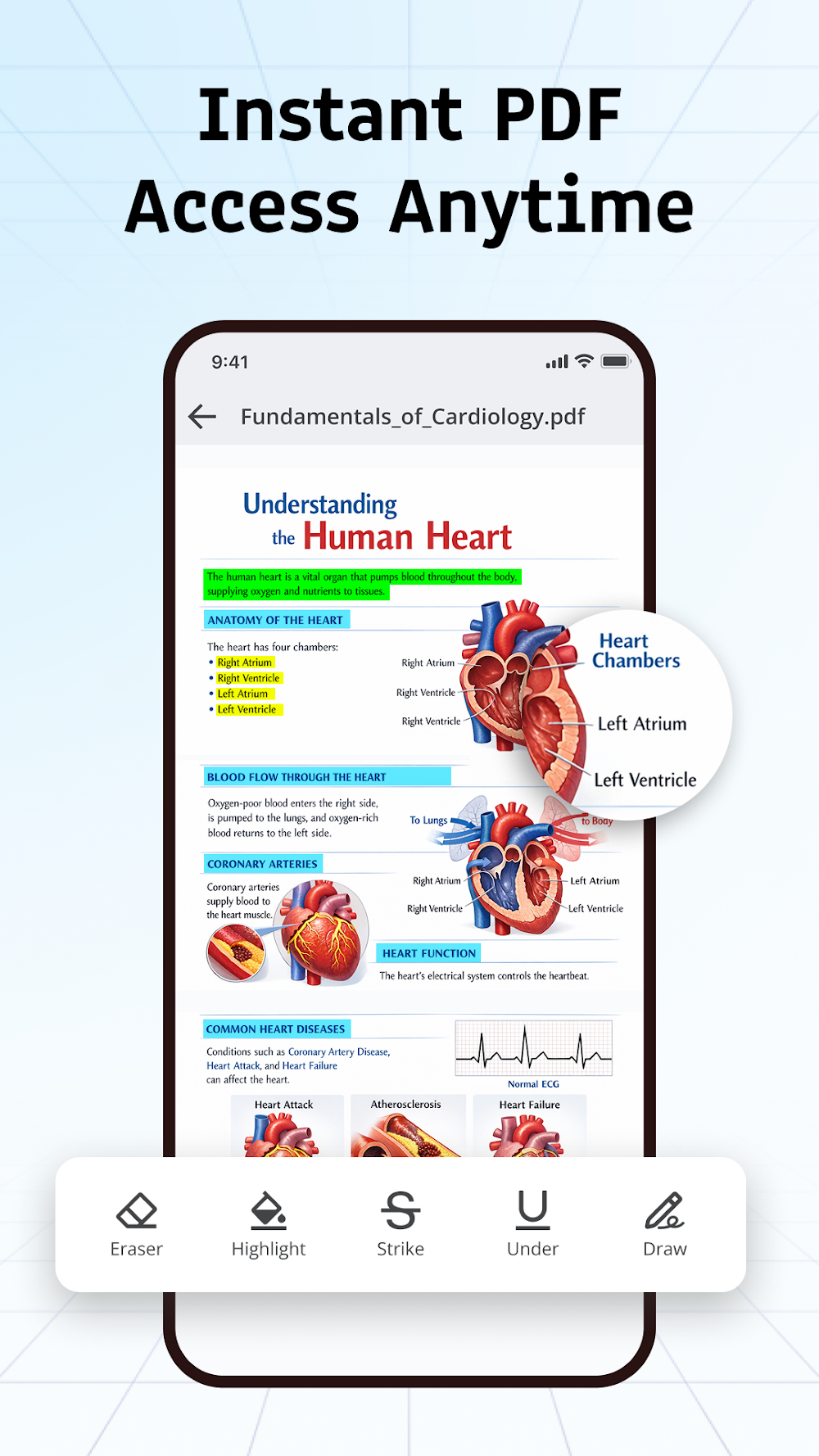
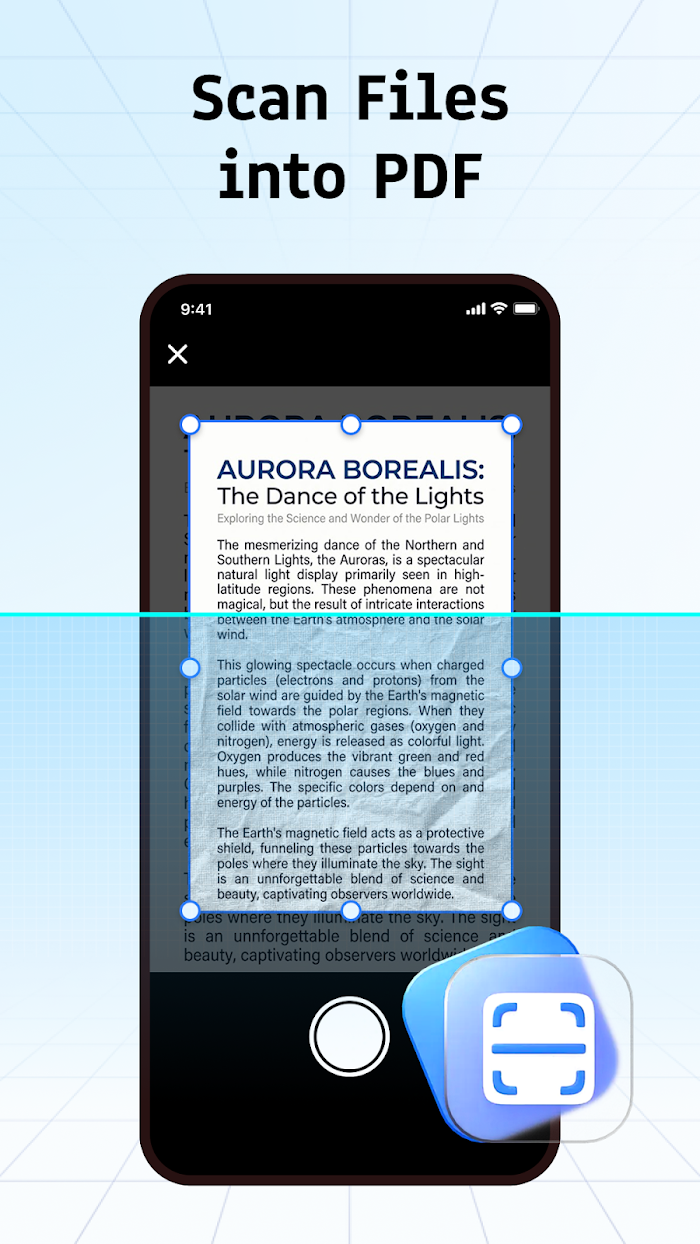
PDF Reader Tools promotional screenshot showing PDF reading and annotationPDF Reader Tools
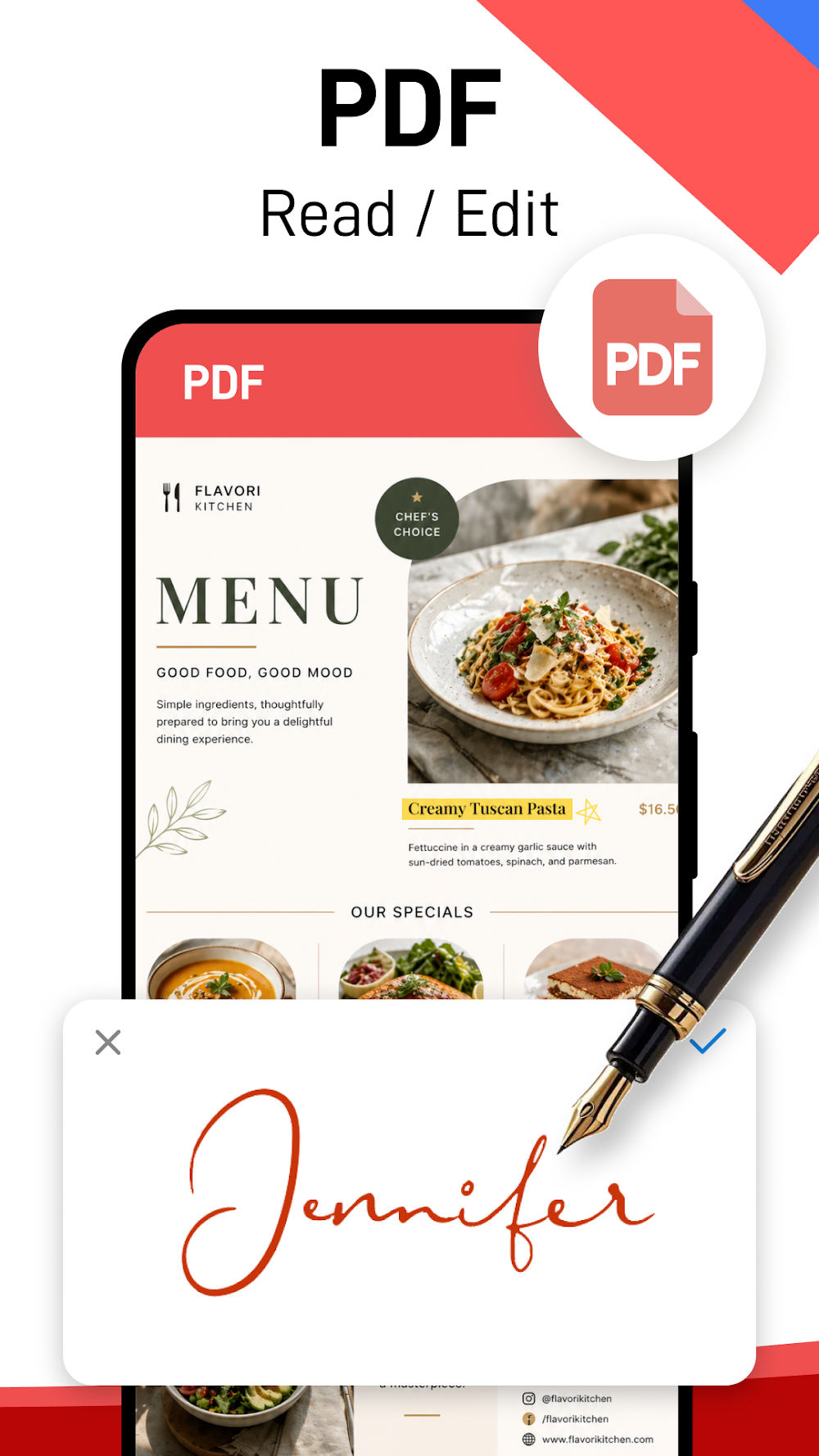
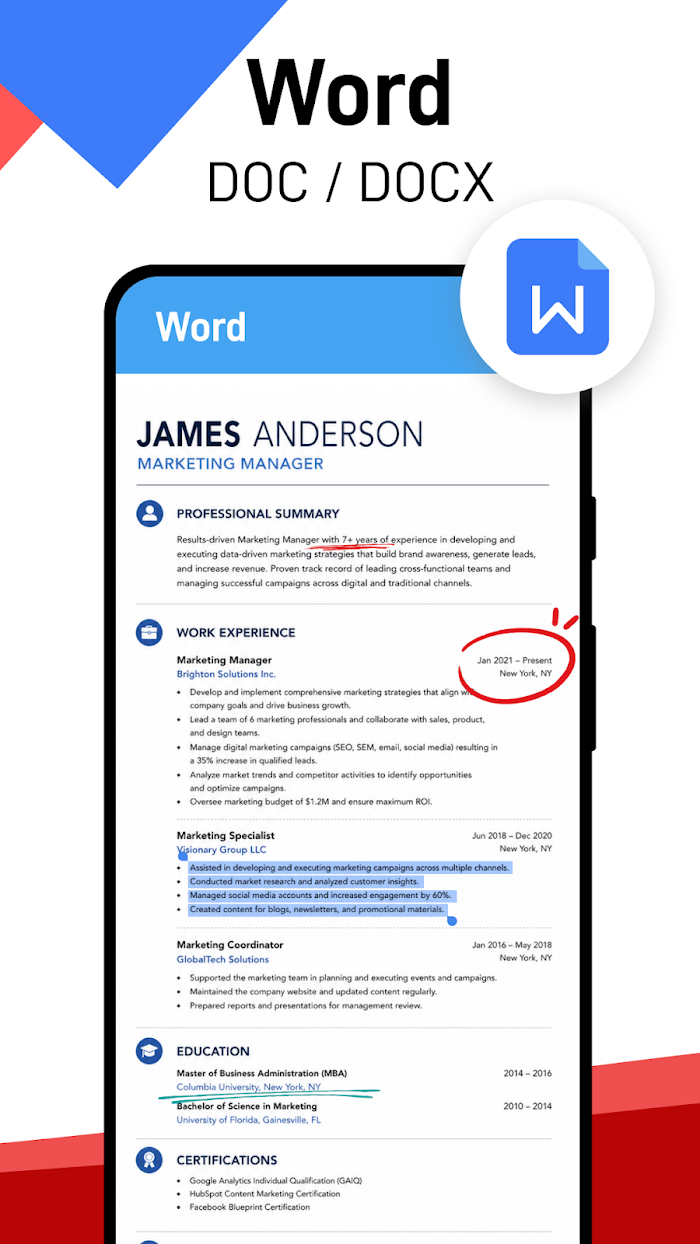
Document Reader promotional screenshot showing PDF reading and editingDocument Reader

From a single PDF to your everyday documents

PDFWordExcelPowerPoint

A different tool.
For the task at hand.

Explore each app, see what it does,
and choose your starting point.

PDF Reader Tools icon

Focused on PDFs

PDF Reader Tools

Read, annotate and organize PDFs, with handy tools for moving between images and PDF files.

  • Read & navigateZoom, search text and jump to a page.
  • Mark up & mergeAdd annotations and combine PDF files.
  • Convert & organizeConvert images and PDFs; find files and save favorites.
Get it on Google Play
Android · Contains adsPrivacy policy ↗
Document Reader - PDF Editor icon

More document formats

Document Reader
– PDF Editor

Bring PDFs, Word documents, spreadsheets and presentations into your mobile reading routine.

  • View multiple formatsOpen PDF, Word, Excel and PowerPoint files.
  • Work with PDFsAnnotate, merge, split, fill forms and sign.
  • Find & convertBrowse by format, revisit recent files and convert PDFs and images.
Get it on Google Play
Android · Contains adsPrivacy policy ↗

Screenshots and feature information are from the apps’ Google Play listings. Available features may vary by app version. Check Google Play for current details and device compatibility.

Useful to know

A few answers
before you start.

Where can I download the apps?

Use the Google Play button for the app you want. It opens the official listing, where you can check compatibility and install it on your Android device.

Do the apps contain ads?

Yes. Both Google Play listings identify the apps as containing ads.

Which app opens Word and Excel files?

Document Reader - PDF Editor lists support for Word, Excel and PowerPoint alongside PDFs. PDF Reader Tools focuses on PDF reading and related tools.

Where can I read the privacy policies?

Our Privacy Policy covers both apps and this website. Read our Terms of Service for the terms of use. App-specific privacy links and data safety information are also available on Google Play.

How do I get help with an app?

Email [email protected] with the app name, your device model, Android version and a short description of the issue. Please avoid sending sensitive documents or personal information.

App support

Let’s get you
back to your files.

Have a question or feedback?
Tell us which app you’re using and how we can help.